
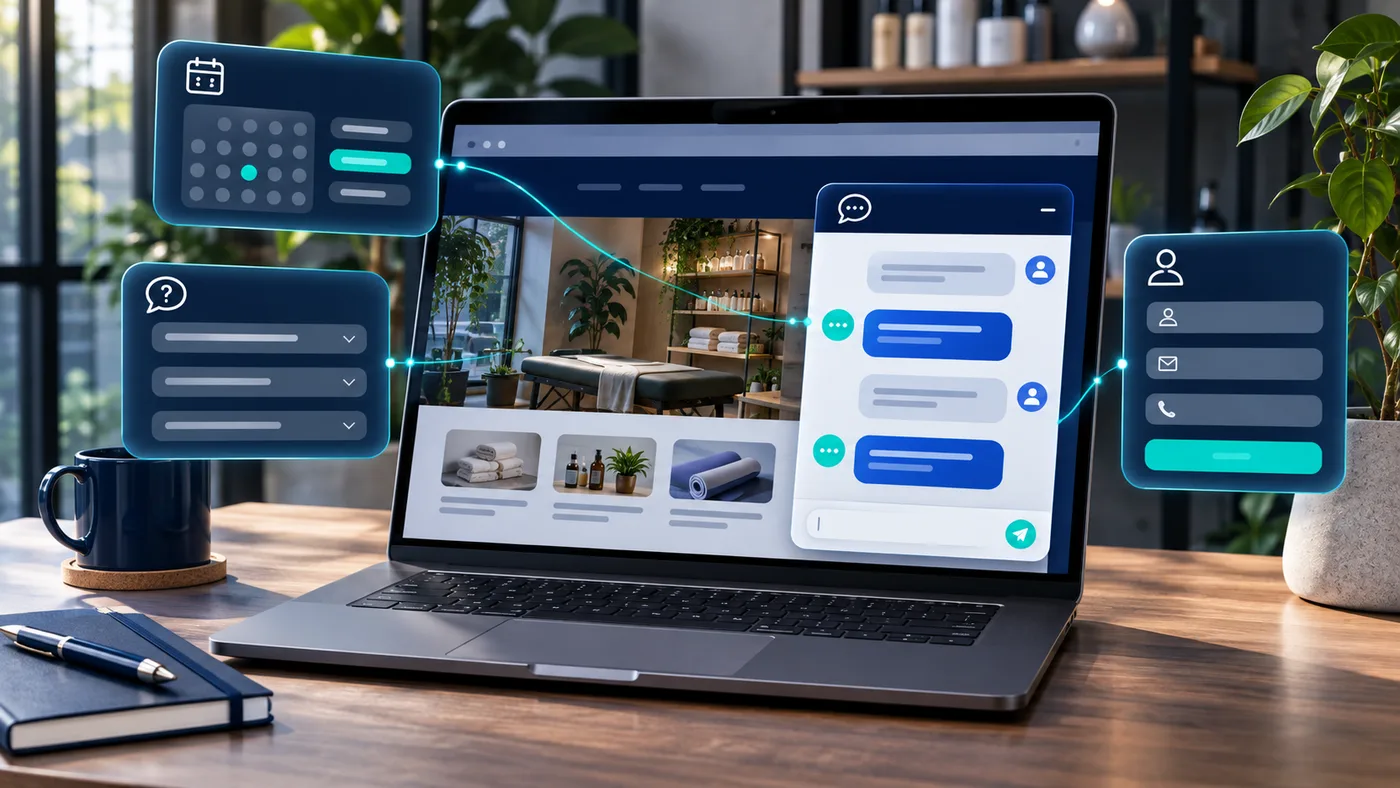
A potential customer visits your website at 9:30 p.m. They want to know whether you serve their neighborhood, what a service typically involves, and how to request an appointment. Your team is off the clock. A properly configured AI chatbot can help that visitor find the next step without pretending to be a human employee.
For a small business, that is the real opportunity: fewer unanswered routine questions, clearer paths to contact, and better handoffs to your team. But a useful chatbot needs more than a floating chat bubble. It needs accurate business information, boundaries, and a defined job.
What is an AI chatbot for a small business?
An AI chatbot is a conversational assistant on your website that responds to questions using instructions and approved information. Unlike a basic menu bot that only follows fixed choices, some AI assistants can interpret varied wording and point people toward the relevant answer or action.
It is not an automatic replacement for a receptionist, sales representative, or customer service expert. Think of it as a first point of contact that handles routine requests and hands off anything sensitive, uncertain, or complex.
1. Answer common customer questions
Most businesses hear the same questions repeatedly: What are your hours? What areas do you serve? Do you offer this service? How do I prepare for an appointment? Where can I find your return policy?
A chatbot connected to approved site content can answer those questions at any hour. For example, a home services company might ask, “What zip code is the job in?” and explain its published coverage area. A retailer might help a shopper locate shipping or return information.
The important part: the assistant should use current, verified business facts and admit when it does not know an answer. It should never invent a price, policy, or availability.
2. Capture and qualify new leads
A contact form asks every visitor to work out what to write. A conversational assistant can guide them through a few useful questions: What service do you need? Where are you located? What is your timeline? What is the best way for the team to reach you?
With the visitor's consent and a properly connected CRM, those answers can create a more useful lead record. Your team sees the context instead of a generic “please call me” message. The chatbot should only collect information needed for the inquiry and clearly explain how it will be used.
3. Help customers book appointments
When connected to a real scheduling system, a chatbot can help visitors find the appropriate booking link, select a service type, or check available times. Without that integration, it can still explain how booking works—but it must not claim an appointment is confirmed.
For appointment-driven businesses, this can reduce the back-and-forth between the first question and a completed request. Human review remains important for unusual requests, emergencies, or anything that depends on professional judgment.
4. Guide visitors to the right service
A website with several service pages can be difficult to navigate. A chatbot can ask what a visitor is trying to accomplish and recommend the most relevant page or inquiry path.
Imagine a visitor saying, “I need my site to show up on Google.” A good assistant should recognize that as a search-visibility question and direct the person toward your SEO information—not deliver a canned pitch for every service you offer.
That kind of guidance works best when the site itself has clear service descriptions, helpful pages, and a consistent next step. A chatbot cannot fix a confusing website on its own.
5. Connect conversations to your workflows
More advanced implementations can pass structured information to existing tools. A chatbot might create a CRM inquiry, route a support question to a queue, or send a booking request to an approved workflow. Each integration should have permission checks, validation, logging, and a way to recover from failures.
Start with one reliable handoff before connecting everything. For example, an inquiry can be summarized for staff without allowing the assistant to change customer records or promise outcomes.
What AI chatbots should not do
An AI assistant can sound confident while being wrong. That is why every deployment needs boundaries. It should not:
- Make up pricing, guarantees, inventory, or appointment availability.
- Provide individualized legal, financial, or medical advice as though it were a licensed professional.
- Collect sensitive personal information that the business does not need.
- Claim that an action succeeded when an integration has not confirmed it.
- Trap visitors in a conversation with no clear human contact option.
A practical rollout includes a fallback to contact information, testing against real questions, and routine reviews of unanswered or incorrect responses.
What does an AI chatbot cost?
There is no single honest price. Cost depends on whether you use an off-the-shelf chat tool or a custom assistant, how much content it needs, the number of conversations, integrations, maintenance, and the level of oversight required.
Ask providers to separate setup, software subscriptions, model usage, integration work, and ongoing improvement. A cheap widget that frustrates visitors can be worse than a simpler contact experience that works reliably.
How to get started
- Choose one job. Start with FAQs, lead qualification, or booking guidance—not all three at once.
- Gather approved answers. Review your service pages, hours, locations, and policies for accuracy.
- Define handoffs. Decide when the assistant should direct a visitor to a person or form.
- Test real conversations. Try vague, unusual, and misleading questions before launch.
- Measure meaningful outcomes. Look beyond chat volume to qualified inquiries, completed bookings, errors, and staff time spent correcting responses.
If the website itself is hard to navigate, start there. Explore EAC's practical AI implementation services or tell us what your customers repeatedly ask. We can help identify a focused use case, review the existing website, and work out whether a chatbot is worth building.
Frequently asked questions
Can an AI chatbot replace customer service staff?
It can take some routine questions and intake work off their plate, but customers still need a clear route to a person for judgment calls, exceptions, and sensitive situations.
Does an AI chatbot work outside business hours?
Yes, a deployed website assistant can respond when staff are unavailable. Any appointment, quote, or service commitment still depends on the connected systems and the rules you configure.
Will a chatbot automatically bring me more leads?
No. It can make it easier for interested visitors to take the next step, but results depend on your traffic, offer, website clarity, and follow-up process. Measure actual qualified inquiries before claiming an improvement.
Do I need a new website to add a chatbot?
Not always. Many existing sites can support a chat widget or integration. The bigger question is whether the site has accurate content and a useful path for visitors to take action.