
Claude just hit #1 on the App Store. Daily signups are breaking all-time records. Paid subscribers have more than doubled since January. And the biggest reason people weren't switching — “ChatGPT already knows everything about me” — just disappeared.
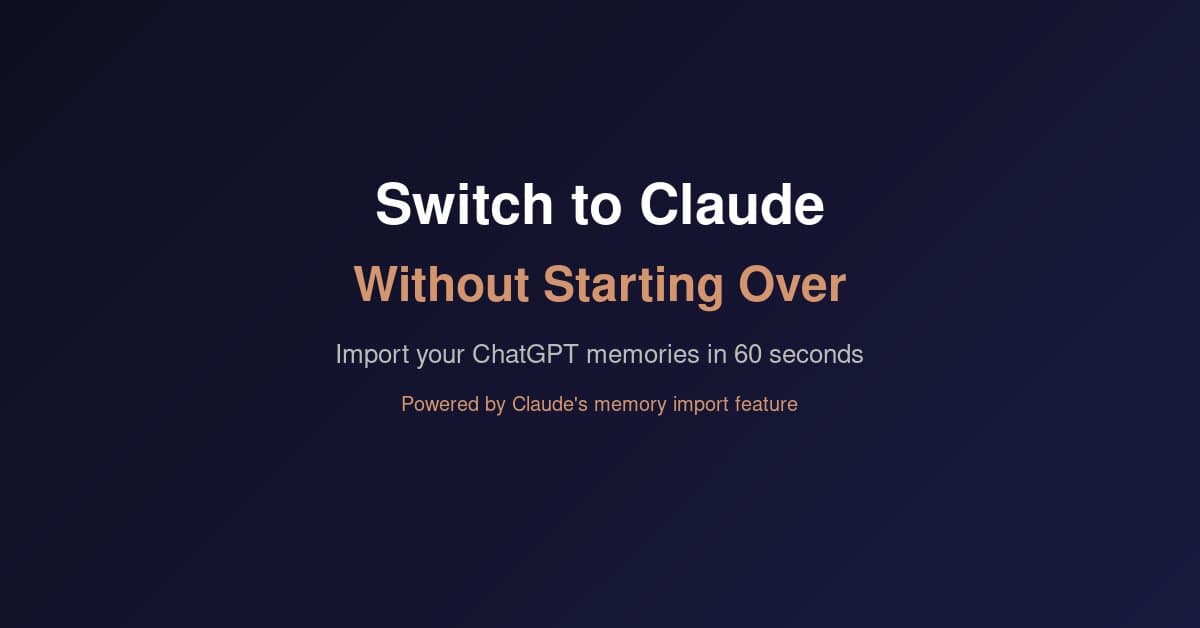
Anthropic launched a memory import feature that lets you transfer your entire ChatGPT context to Claude in under 60 seconds. One copy-paste. No technical setup. No starting from scratch.
We've been recommending Claude to our clients for months — it's our primary AI tool and the backbone of how we build AI systems for businesses. The memory import makes the switch practical for anyone who's been on the fence.
Here's exactly how to do it, what you'll gain, and what to know before you switch.
Why 700K+ Users Are Switching
The numbers tell the story. Claude jumped from 42nd place to #1 on the App Store in a matter of weeks. Anthropic says free users have increased more than 60% since January.
A few things are driving this:
- Product quality: Claude's reasoning, writing, and ability to work with long documents has pulled ahead for a lot of professional use cases. People who try both side-by-side tend to stick with Claude for deep work.
- The #QuitGPT movement: Over 700,000 users have pledged to cancel ChatGPT Plus subscriptions. OpenAI's Pentagon partnership and executive political donations created a wave of users looking for alternatives.
- Anthropic's stance: When the Pentagon demanded unrestricted access to Claude, Anthropic refused — citing red lines on mass surveillance and autonomous weapons. That stance resonated with a lot of users who care about how their AI tools are being used.
- Memory import timing: Launching the import feature right when hundreds of thousands of users are actively looking to switch was smart positioning. The biggest barrier to leaving ChatGPT was always “it already knows me.” That barrier is gone.
Whatever your reason for considering the switch — product quality, values alignment, or just curiosity — the process is now dead simple.
What Claude's Memory Import Actually Does
Claude's memory system works differently than ChatGPT's. Instead of storing individual memories as separate entries, Claude runs a daily synthesis cycle that processes everything into a coherent understanding of who you are and how you work.
The import feature takes advantage of this. You extract your ChatGPT memories as a text dump, paste it into Claude, and Claude processes it through the same synthesis pipeline. Within 24 hours, Claude has absorbed your preferences, work context, and communication style.
The result: your first conversation with Claude after importing feels like your hundredth. It knows your role, your projects, your preferred tools, and how you like to communicate. No cold start.
This also works with Gemini, Copilot, Grok, or any chatbot that stores user preferences. It's not ChatGPT-specific — Anthropic built it as a universal on-ramp.
How to Transfer Your Context (Step by Step)
The whole process takes about 60 seconds:
Step 1: Go to Claude's import page. Visit claude.com/import-memory. You'll see a prompt that Anthropic has pre-written for you. Copy it.
Step 2: Extract your memories from ChatGPT. Open ChatGPT (or Gemini, or whatever you're using). Paste the prompt into a new conversation. Your current AI will dump everything it knows about you into a structured text block — your name, role, preferences, projects, communication style, the works.
Step 3: Import into Claude. Copy that output. In Claude, go to Settings → Capabilities → Memory and click “Start import.” Paste the text and click “Add to memory.” You can also start the import directly from the home screen if you see the memory import card.
Step 4: Wait for processing. Claude processes memory imports through its daily synthesis cycle. Most updates appear within 24 hours. You can review what Claude remembered by checking “Manage edits” in memory settings.
That's it. No API keys, no data export files, no technical setup. One prompt, one copy-paste.
What Transfers and What Doesn't
This is important to understand upfront so you don't expect something the feature doesn't do.
What transfers
- Personal context: Your name, location, timezone, language preferences
- Work context: Your job role, company, current projects, industry
- Technical preferences: Programming languages, frameworks, tools you use
- Communication style: How formal you like responses, preferred length, formatting preferences
- Workflow patterns: How you typically use AI — for writing, research, coding, analysis
What doesn't transfer
- Conversation history: Your past chats stay in ChatGPT. Claude gets your preferences, not your conversations.
- Custom GPTs: If you built custom GPTs, those configurations don't carry over. Claude has its own approach with Skills and Projects.
- File attachments: Documents you uploaded to ChatGPT stay there. You'll need to re-upload anything you want Claude to reference.
- Third-party integrations: If you connected ChatGPT to other tools via plugins, those connections don't move.
One note: Claude prioritizes work-related context during imports. Personal details that aren't connected to how you work may not get retained. For business users, this is actually a feature — Claude focuses on the context that makes it useful for your job.
Claude vs. ChatGPT: Where Each Wins
We use both tools. Our clients use both tools. Here's an honest breakdown of where each one is stronger right now:
Claude wins on
- Writing quality: Claude produces more natural, less formulaic writing. It doesn't over-use bullet points or fall into predictable patterns the way ChatGPT tends to.
- Long document analysis: Claude's extended context window handles lengthy contracts, reports, and research papers better than anything else available.
- Reasoning and nuance: For complex business decisions, strategic analysis, or anything requiring careful thinking, Claude consistently delivers more thoughtful responses.
- Honesty: Claude tells you when it doesn't know something instead of confidently making things up. For business use, that reliability matters.
- Coding (Claude Code): Claude's dedicated coding tools — including Cowork, Skills, and the Code CLI — are ahead of what ChatGPT offers for development workflows.
ChatGPT wins on
- Ecosystem and integrations: ChatGPT's plugin marketplace, custom GPT store, and third-party connections are more mature. If you depend on specific integrations, check if Claude supports them first.
- Image generation: ChatGPT's DALL-E integration produces better images. Claude doesn't generate images natively.
- Voice mode: ChatGPT's voice conversation feature is more polished. Claude has voice but it's not at the same level yet.
- Market familiarity: More people know ChatGPT, more tutorials exist, and more teams are already standardized on it. There's a real onboarding cost to switching your whole team.
For most business professionals we work with — people who use AI for writing, research, analysis, and communication — Claude is the stronger tool. For teams that depend heavily on image generation or specific third-party integrations, ChatGPT may still be the better fit.
The good news: the memory import feature means you can try Claude seriously without committing. Import your context, use it for a week, and decide based on your actual experience.
How to Get the Most Out of Claude
If you're making the switch, here are the features worth knowing about from day one:
- Projects: Create dedicated workspaces for different contexts — one for your marketing work, another for financial analysis, a third for client communications. Each project can have its own instructions and reference documents.
- Memory management: Go to Settings → Capabilities → Memory to review and edit what Claude remembers about you. Delete anything that's wrong or outdated. Add context it's missing.
- Extended thinking: For complex problems, Claude can show its reasoning process step-by-step. This is useful for strategic decisions where you want to see the logic, not just the conclusion.
- Artifacts: Claude can create interactive documents, code, and visualizations right in the conversation. Great for drafting reports, building quick tools, or creating presentation-ready content.
- Claude for work (Team/Enterprise): If you're considering Claude for your team, the Team plan ($30/seat/month) includes shared Projects, admin controls, and higher usage limits. We've helped several businesses set this up.
The biggest tip we give clients: spend your first week using Claude for the tasks you use AI for most often. Don't try to explore every feature at once. Get comfortable with how Claude handles your core workflow, then expand from there.
We covered this approach in more detail in our AI upskilling guide — the 30-day plan works whether you're new to AI or switching from another tool.
Which Claude Plan Do You Need?
Quick breakdown for business users:
- Free: Good for trying Claude out. Memory is now available on free plans. Limited message volume.
- Pro ($20/month): The sweet spot for individual professionals. Full memory, higher limits, priority access to new features. This is what most of our clients start with.
- Max ($100/month): For power users who hit Pro limits regularly. Significantly higher usage caps.
- Team ($30/seat/month): Shared Projects, admin controls, and team-wide memory settings. Worth it once you have 3+ people using Claude regularly.
Our recommendation: start with Pro. $20/month is the same price as ChatGPT Plus, and the memory import means you're not starting cold. If you find yourself hitting message limits, upgrade to Max.
We help businesses figure out which AI tools fit their workflows — it's a core part of our AI productivity training. If you want a structured walkthrough of setting up Claude for your specific use case, our AI Strategy Session ($149) covers exactly that.
The switching cost that kept people locked into ChatGPT is gone. Whether you switch today or keep using both — the option is there, and it takes 60 seconds to find out.

Elevated AI Consulting
Sam Irizarry is the founder of Elevated AI Consulting, helping businesses grow through strategic marketing and AI-powered solutions. With 12+ years of experience, Sam specializes in local SEO, web design, AI integration, and marketing strategy.
Learn more about us →